
How to Score a Perfect 100% on Google PageSpeed Insights
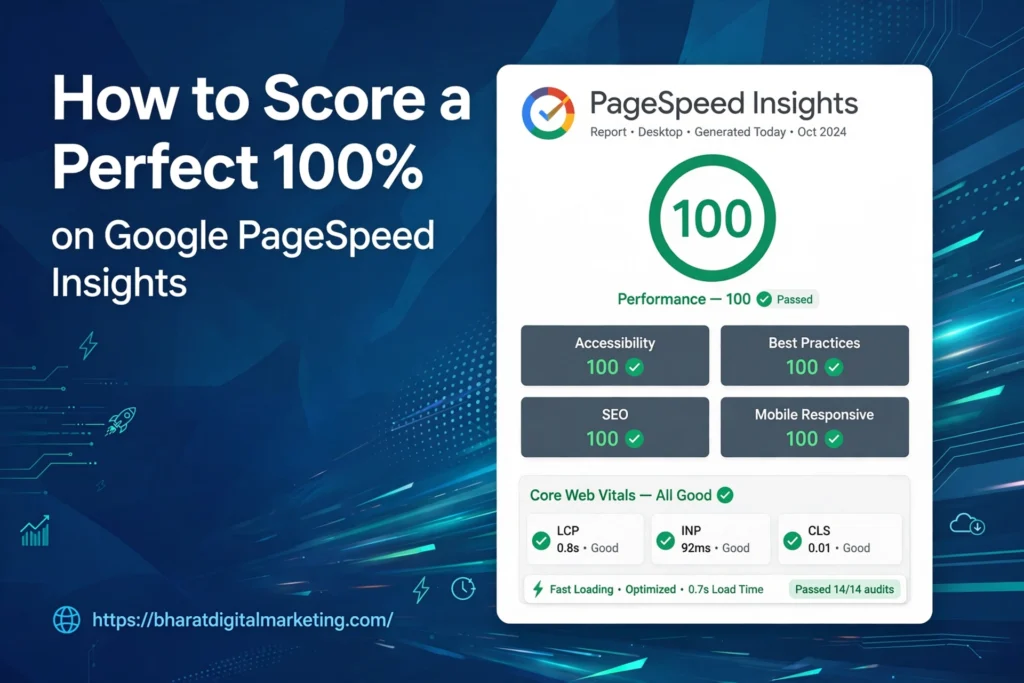
In today’s digital age, mobile devices account for a significant portion of website traffic. As a result, it’s important to ensure that your website is optimized for mobile devices to provide the best possible user experience. One key aspect of optimizing your website for mobile is improving its PageSpeed Insights score. At Bharat Digital Marketing, we understand the importance of a high PageSpeed Insights score for your website. Here’s how to optimize your page for Mobile PageSpeed Insights:
- Minimize JavaScript and CSS: Large JavaScript and CSS files can significantly slow down your website’s load time. Minimizing the size of these files by removing unnecessary code and whitespace can improve your PageSpeed Insights score.
- Optimize images: Large images can also slow down your website’s load time. Compress images to reduce their file size without compromising their quality. You can also use lazy loading, which loads images as the user scrolls down the page.
- Leverage browser caching: Caching allows browsers to store some of the site’s elements, such as images, CSS files, and JavaScript files, on the user’s device. This reduces the time it takes to load the site when the user revisits it. Use caching plugins, such as W3 Total Cache, to speed up your site’s load time.
- Use a content delivery network (CDN): A CDN can improve your website’s load time by delivering content from servers located closer to the user. This reduces the time it takes for content to travel from the server to the user’s device.
- Use responsive design: Responsive design ensures that your website is optimized for all devices, including mobile devices. It adjusts the layout and content of your website based on the screen size of the device being used.
- Minimize redirects: Redirects can add additional HTTP requests, which can slow down your website’s load time. Minimize the number of redirects on your website to improve its PageSpeed Insights score.
- Eliminate render-blocking resources: Render-blocking resources, such as JavaScript and CSS files, can delay the rendering of your website. Eliminate or defer these resources to improve your website’s load time.
In conclusion, optimizing your page for Mobile PageSpeed Insights is essential for providing the best possible user experience for mobile users. At Bharat Digital Marketing, we can help you optimize your website for mobile devices and improve its PageSpeed Insights score. Contact us today to learn more about our services.
