What is Google Ads [Formerly Google AdWords]?
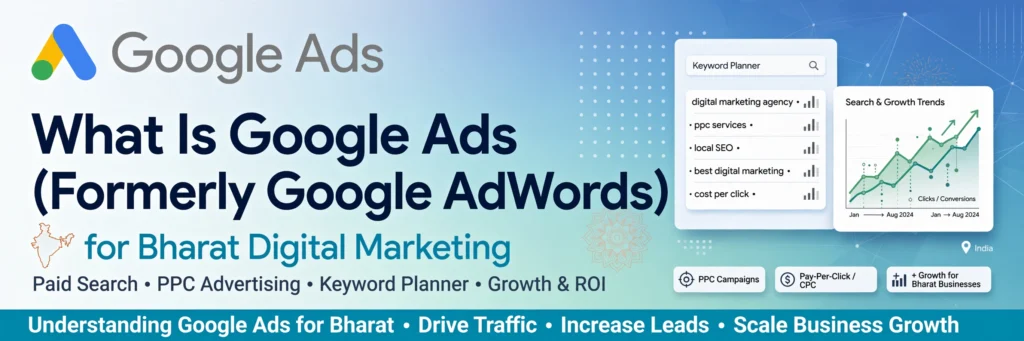
Google is the world’s most powerful search engine, and Google Ads is its paid advertising platform that helps you get to the top of it.
While the Google Ads interface can feel intimidating at first, it gives you the power of paid search to drive targeted, high-quality traffic to your website almost instantly.
So, what exactly is Google Ads?
Google Ads is a pay-per-click [PPC] advertising platform where businesses bid on keywords relevant to their products or services. When someone searches for those keywords, your ad can appear at the top of Google search results. You only pay when someone actually clicks on your ad.
For new marketers, the number of options can be confusing, but when used correctly, it is one of the fastest ways to generate leads, sales, and brand visibility.
Table of Contents
- What is Google Ads and How Does It Work?
- Using the Keyword Planner Tool in Google Ads
- How to Get the Best Keyword Ideas for Your Campaign
- How to Set the Right Budget and Bidding Strategy
1. What is Google Ads and How Does It Work?
Google Ads works on a simple principle: Show the right ad to the right person at the right time.
You choose keywords that your potential customers are searching for. You create compelling ads for those keywords and set a budget. Google then runs an auction and decides which ads to show based on keyword relevance, ad quality, and bid amount.
At Bharat Digital Marketing, we help you master this process to ensure every click counts and delivers a strong ROI.
2. Using the Keyword Planner Tool in Google Ads
The heart of any successful campaign is the right keywords. The Google Keyword Planner, a free tool inside Google Ads, makes this easy.
This tool shows you:
- Search Volume: How many people are searching for a keyword each month
- Competition Level: How difficult it is to rank for that keyword
- Average Cost-Per-Click [CPC]: How much you can expect to pay for each click
You can enter your own list of keywords, your website URL, or your business category, and the tool will generate new keyword ideas along with crucial data to help you plan.
3. How to Get the Best Keyword Ideas for Your Campaign
Struggling to find the right keywords? Here is how to start:
Step 1: Create Your Campaign Type. Before you choose keywords, decide your goal. Google Ads offers several campaign types: Search Network Only, Display Network Only, Search & Display Networks, Shopping, and Video Campaigns.[YouTube]
Step 2: Generate Ideas. Use the Keyword Planner. Type in your core services like “digital marketing services” or “best SEO agency” and let Google suggest hundreds of related, high-intent keywords you might not have thought of.
Step 3: Group and Organize. Don’t use all keywords on one page. Group similar keywords together and create dedicated landing pages for them. This improves your Quality Score and lowers your cost-per-click.
4. How to Set the Right Budget and Bidding Strategy
You have complete control over your spending.
Google Ads allows you to set a maximum Cost-Per-Click [CPC] and a daily budget based on your business goals. Using the Traffic Estimator tool inside Keyword Planner, you can forecast how many clicks and impressions you can get for a specific budget.
This helps you determine the optimal budget to achieve your desired results without overspending.
Ready to Grow with Google Ads?
Google Ads is powerful, but only when done right. A poorly managed campaign can waste your budget quickly.
At Bharat Digital Marketing, we specialize in creating data-driven Google Ads campaigns that drive real leads and sales, not just clicks.
Contact Bharat Digital Marketing today for a free campaign audit and let’s put your business at the top of Google.
